

Stop fighting receipts.
AI receipt management that captures every receipt, extracts the line items, and files it in your own cloud drive — tax-ready, year-round.

AI-powered receipt capture
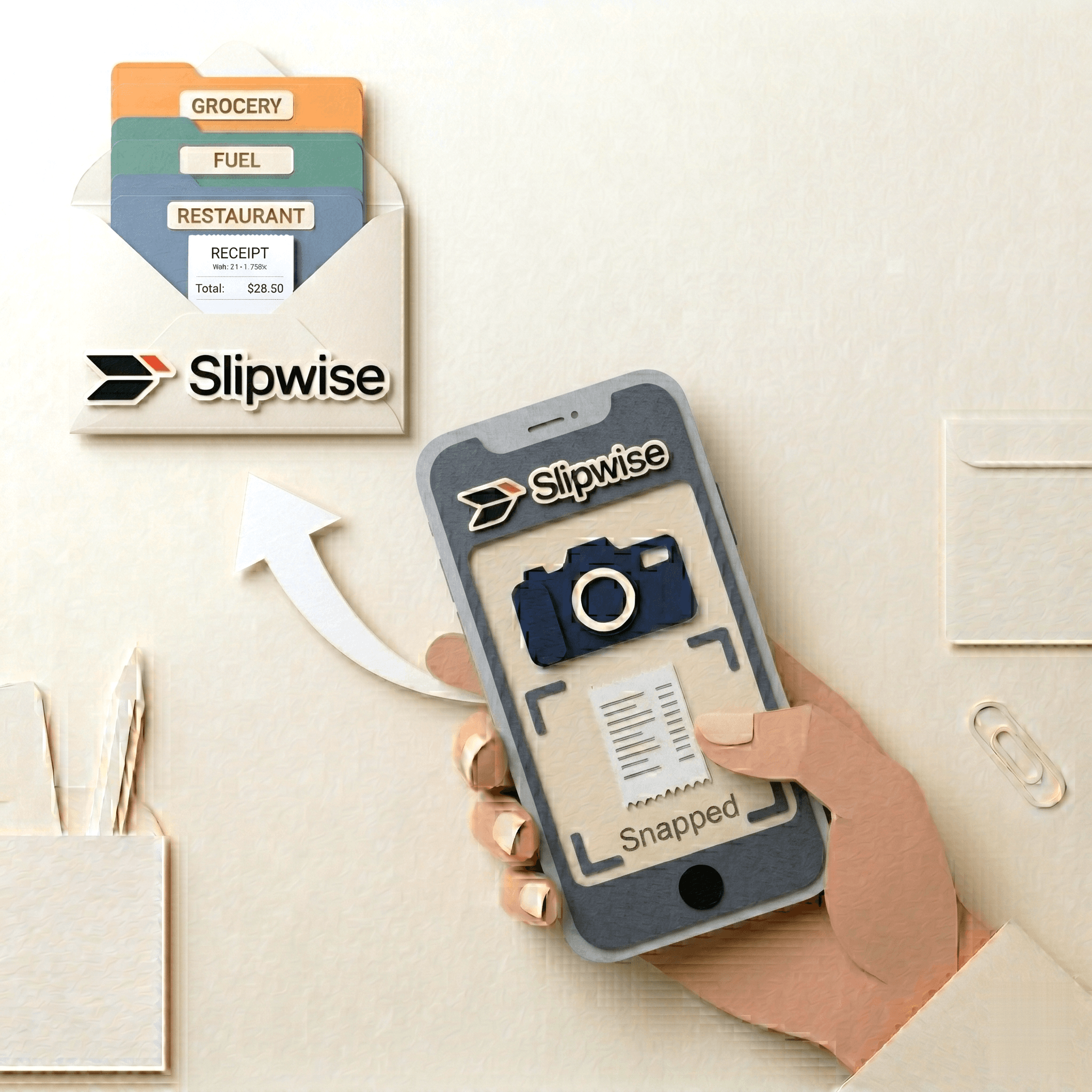
Snap. Forward. Done.
Photograph a receipt, drag in a PDF, or forward an email. Slipwise reads supplier, date, amount, currency, tax, and category — in under three seconds — and files it in the right folder for you.
- Vision AI for photos, fast text extraction for PDFs
- 20 supported currencies — auto-detected from context
- Two-digit years and faded ink — handled, not guessed
- Duplicate detection on every upload
- Low-confidence reads flagged for your review
Cloud sync
Your files, your storage.
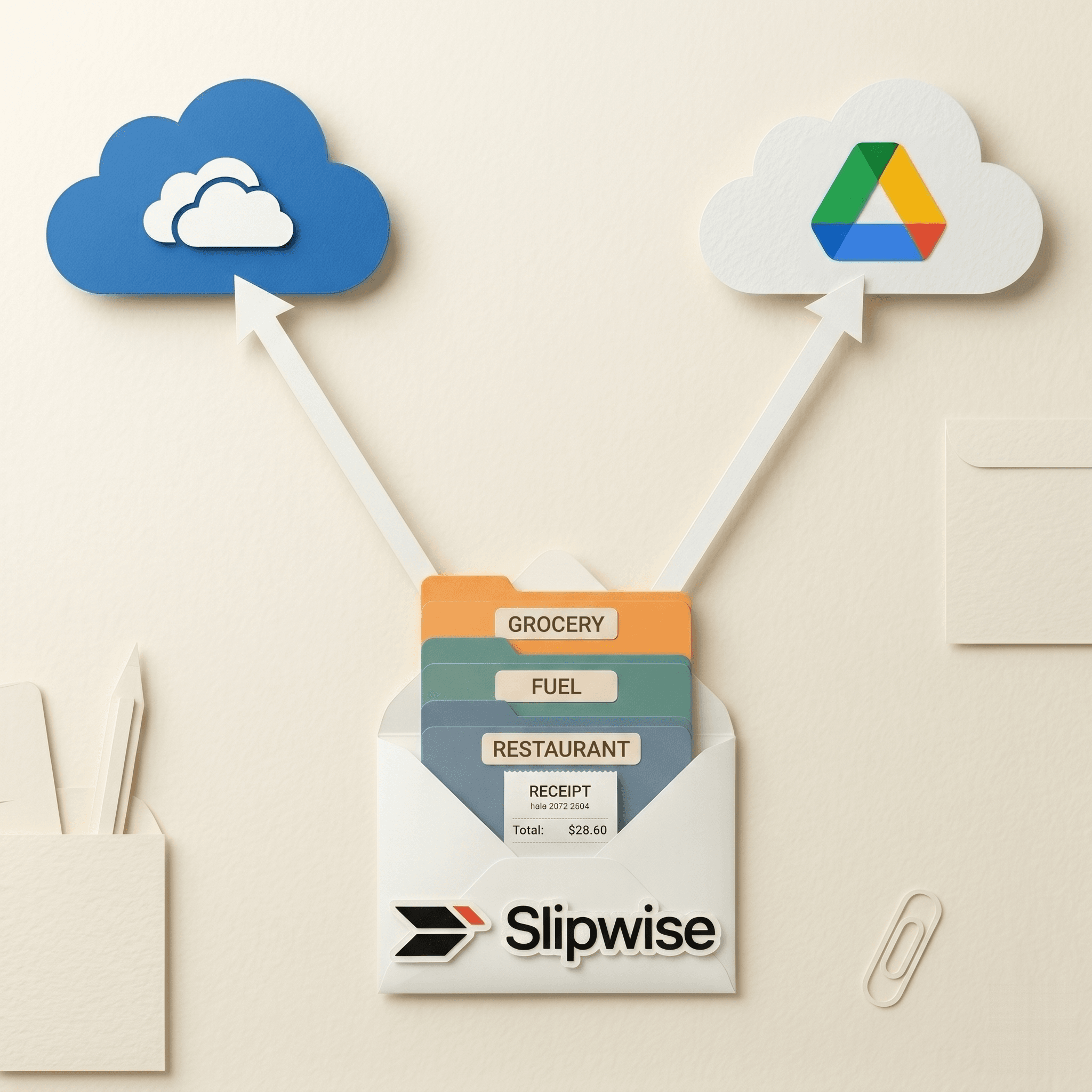
Slipwise mirrors every receipt to your own Google Drive or OneDrive — clean folder tree, no lock-in.
- Folder per organisation, year, and category
- Connect once, disconnect anytime
- Drive and OneDrive supported, side-by-side on Business
- Files stay yours even after you cancel
Multi-currency & settlement
Spend in any currency. Settle in yours.
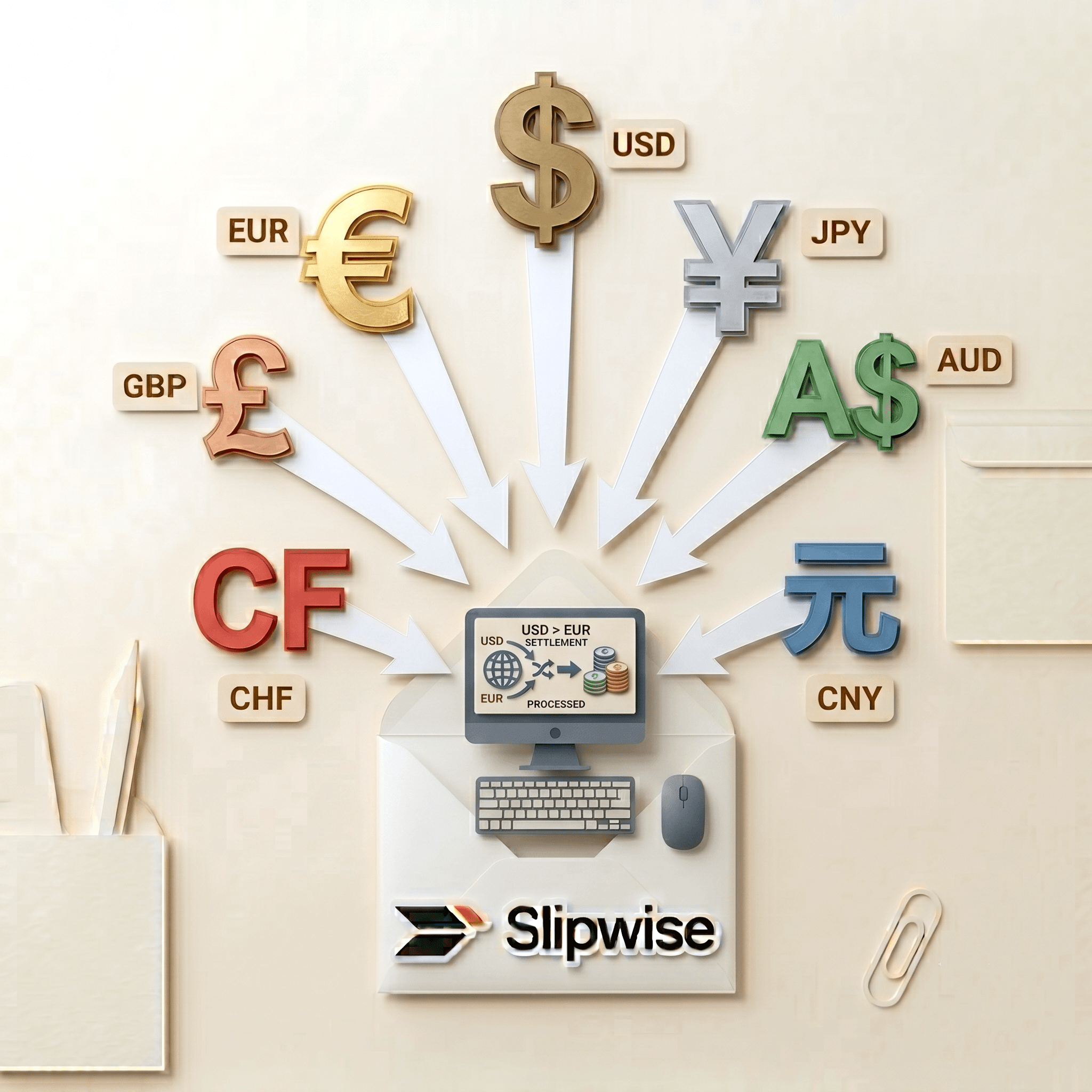
Every receipt is recorded in your home currency at the exchange rate of the day it was spent — not today's. Then settle up with anyone in a click, with both sides' balances always in agreement.
- 20 currencies, auto-detected per receipt
- Date-accurate historical conversion
- One-click settle and mark-as-paid
- Balances reconcile on both sides
AI Expense Assistant
Chat your way through bookkeeping.
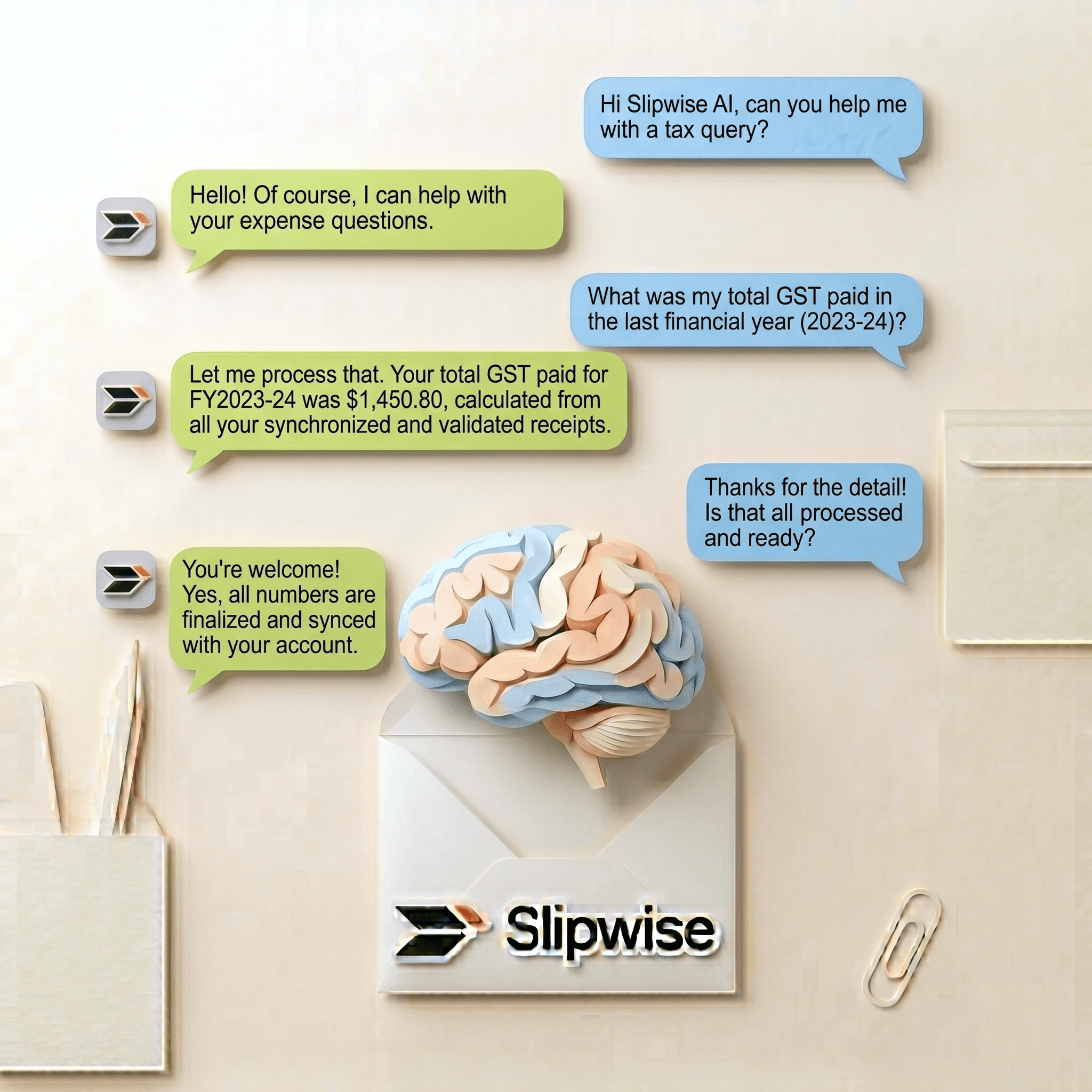
Ask in plain English. "How much GST did I pay this year?" "Show me every Uber over $50." The Assistant reads your real data and answers — precisely.
- Plain-language questions over your real receipts
- Edits, deletes, splits, settles — all through chat
- Confirmation buttons for destructive actions
- Server-side math, never LLM arithmetic
Split bills & reimbursements
Owed to me. You owe. Done.
Split a dinner three ways. Submit a business expense to your boss. Track who's paid and who hasn't — the numbers always agree across both sides' books.
- Equal, by amount, or by percentage
- Multi-currency aware
- One-click settle and mark-as-paid
- Connect a registered Slipwise business once, submit forever
Annual tax ledger
Year-end in one click.
Slipwise generates an audit-trail CSV for every organisation and year. Drop it straight into Xero, QuickBooks, or your accountant's inbox.
- RFC-4180 compliant CSV with 16 columns
- Saved receipts only, sorted chronologically
- Auto-regenerates whenever receipts change
- Bundled into your cloud sync folder
20
Currencies supported
3
Languages
2
Cloud providers
10
Free receipts / month
Pricing
Honest pricing. No card to try.
Start free. Pick the tier that fits when you outgrow it.
Free
$0/mo
Perfect for trying Slipwise out.
- 10 receipts / month
- AI extraction
- Annual CSV export
Solo
$4/mo
Billed monthly
For personal and family use.
- 40 receipts / month
- Recycle Bin (30-day restore)
- Cloud sync to Drive or OneDrive
- Email forwarding
- Expense Assistant (35 msgs / mo)
- Split bills with friends (QR invite)
Business
$9/mo
Billed monthly
For companies and teams.
- Unlimited receipts
- Everything in Solo
- Reimbursements + team members
- Expense Assistant (unlimited)
- Both cloud providers
FAQ
The questions everyone asks.
Where are my receipts stored?
On Slipwise — encrypted at rest, accessible only to you — and, if you enable cloud sync, data will be stored at your own Google Drive or OneDrive.
Can I use my own Google Drive or OneDrive?
Yes — that's the default. Connect once, pick a root folder, and every receipt syncs there in a clean tree: organisation → year → category. Disconnect anytime; your files stay in your Drive.
What currencies are supported?
20 supported today: AUD, HKD, SGD, TWD, NZD, CNY, CAD, EUR, IDR, JPY, USD, GBP, MYR, THB, KRW, PHP, VND, INR, CHF, SEK. All amounts convert to your default currency using date-accurate historical rates.
Is my financial data safe?
Yes. Row-Level Security at the database. Cloud OAuth tokens are encrypted with AES-256-GCM. Receipts are processed by AI service for extraction only; nothing is used to train models.
How does AI extraction work?
Photos run through a vision AI model; PDFs with embedded text run through a faster text AI model. We extract supplier, date, amount, currency, tax, category, and more — usually in under three seconds. Low-confidence reads are flagged for review.
Can I cancel anytime?
Yes. No contracts, no annual lock-in. Your receipts and exports stay accessible while your account is active; cancel any time and your cloud-synced files remain in your own Drive even after.
Start free. No card. No catch.
Ten receipts a month, on the house. Upgrade if and when you outgrow it.